# iOS
Apple, iOS
# Ios Raccourcis
> Les "*raccourcis iOS*" offrent une fonction ultra puissante permettant d'étendre et d'automatiser les tâches possibles sur *iPhone* et *iPad*.
#### Créer un raccourci pour télécharger des vidéos directement sur l'ordinateur.
##### 1. Création du Raccourci :
Cliquez sur + en haut à gauche de l'écran Raccourci
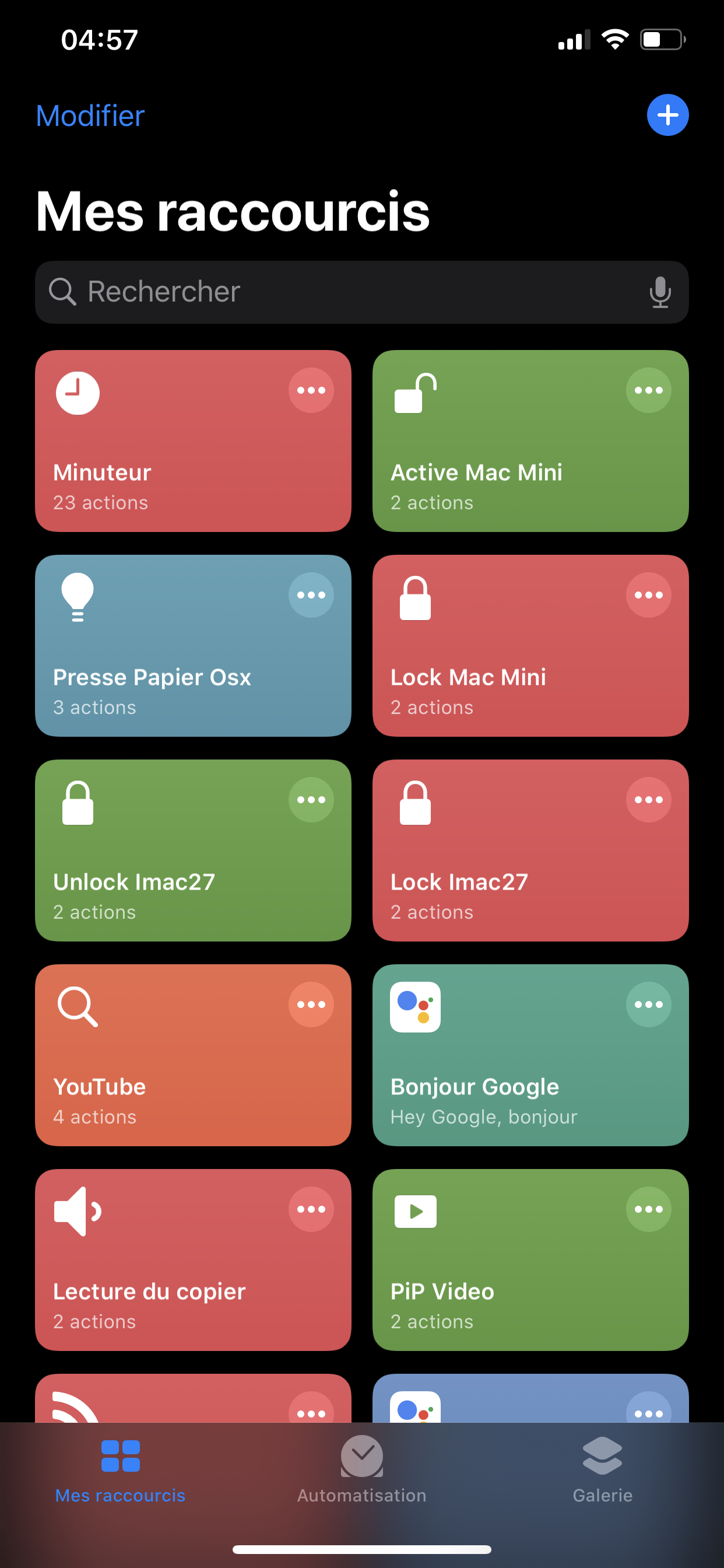[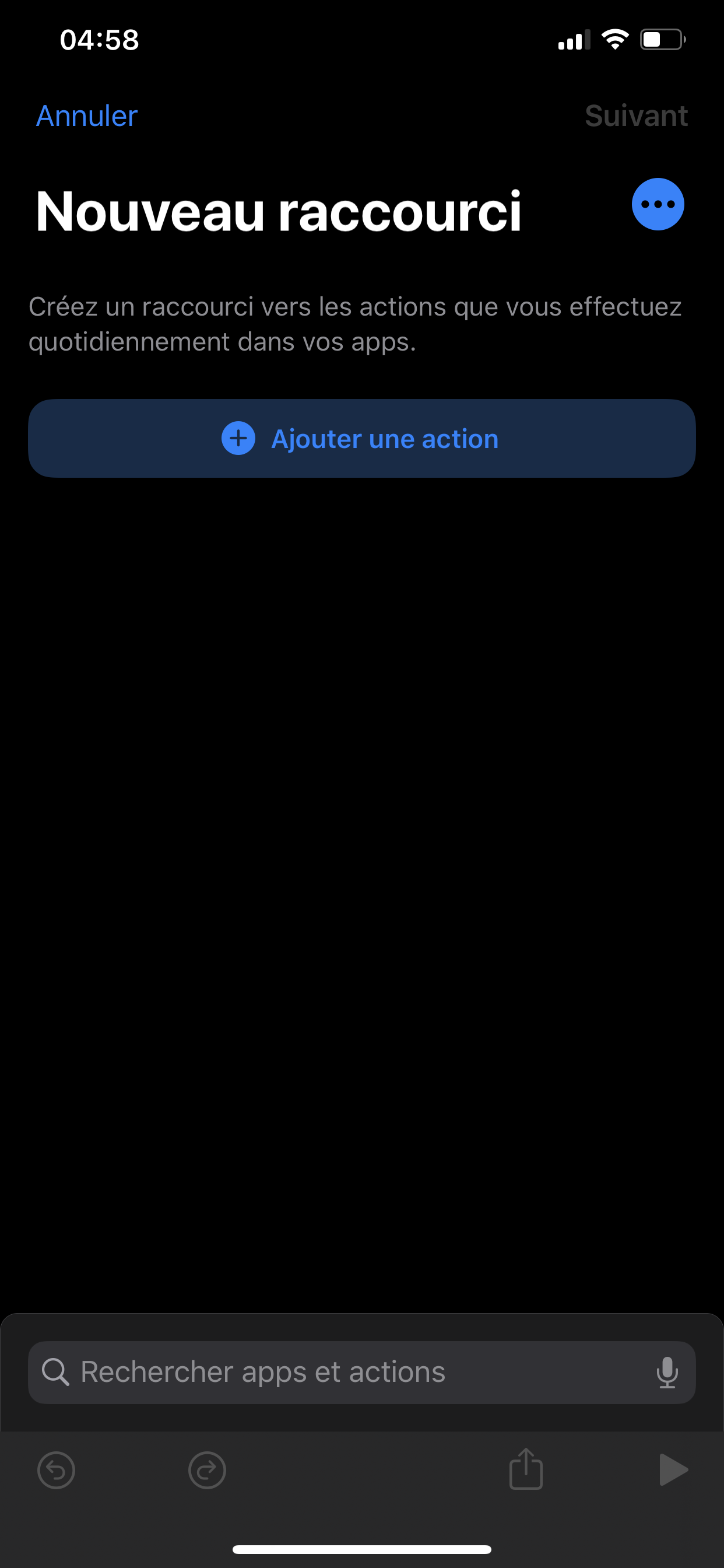](https://docs.wlan.ovh/uploads/images/gallery/2020-05/image-1588388854537.png)
Cliquez sur les ... en haut à gauche pour modifier le **nom** et activer ***dans le feuille de partage ( choisir uniquement URL ):***
[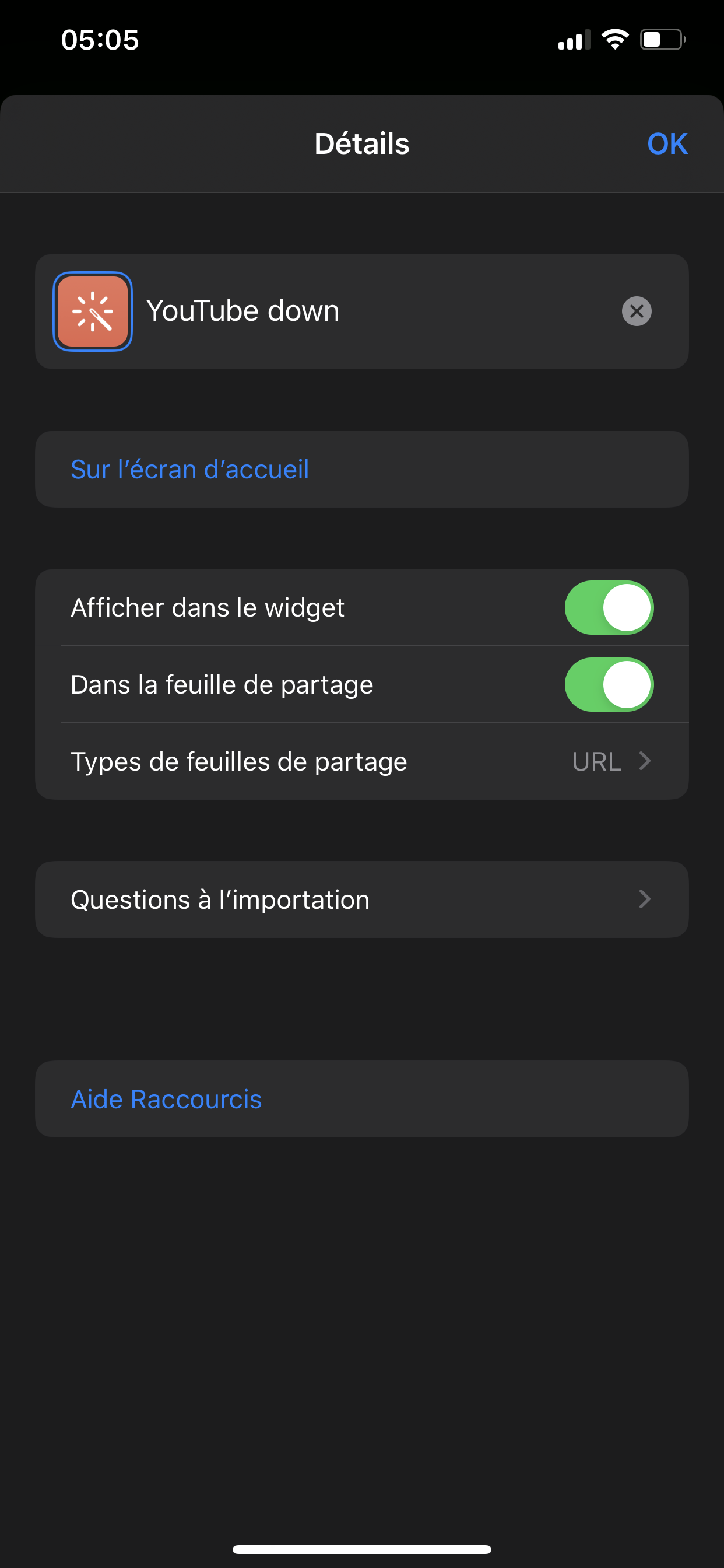](https://docs.wlan.ovh/uploads/images/gallery/2020-05/image-1588388985893.png)[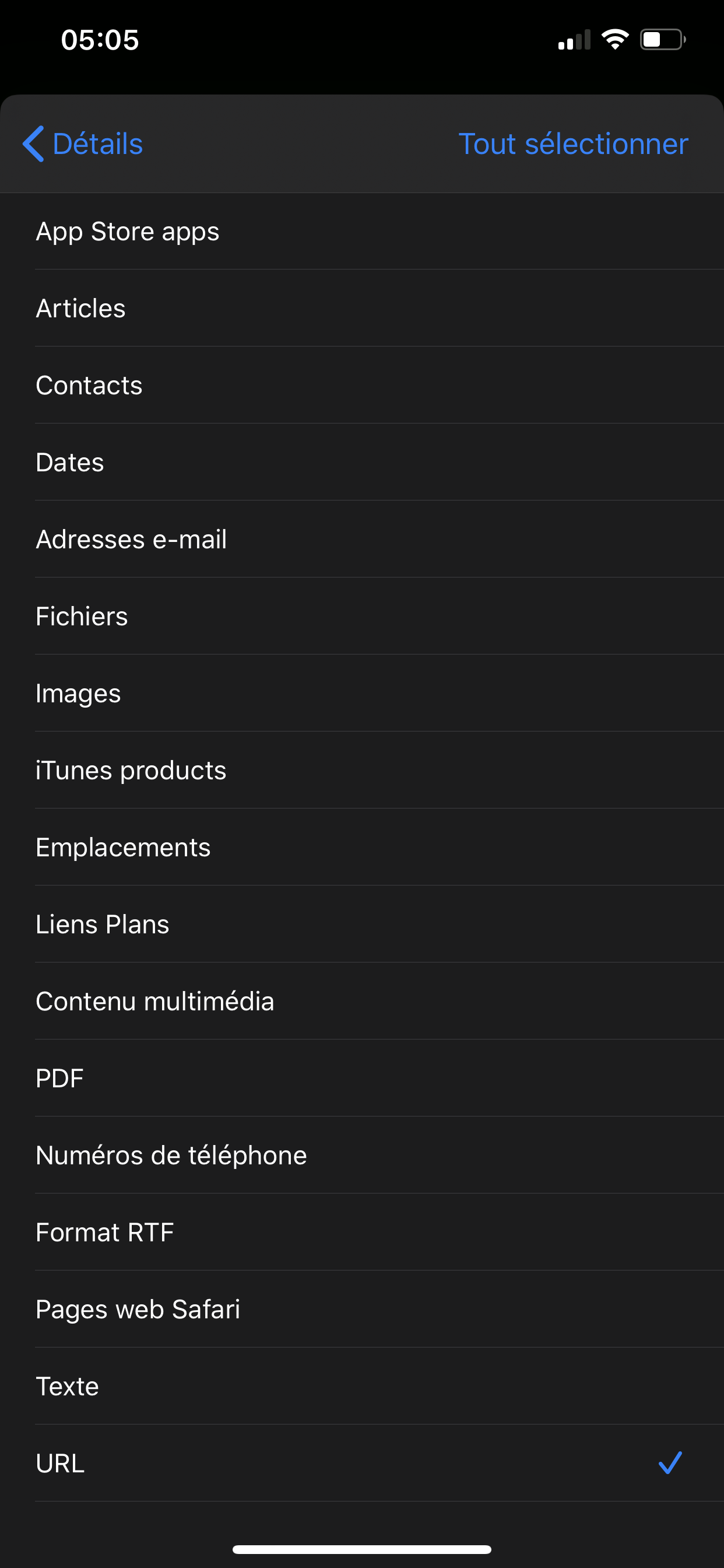](https://docs.wlan.ovh/uploads/images/gallery/2020-05/image-1588389097118.png)
Suivre la vidéo :
[](https://docs.wlan.ovh/uploads/images/gallery/2020-05/E2789EC1-4768-4DF4-B1C8-622CD4094E06.gif)
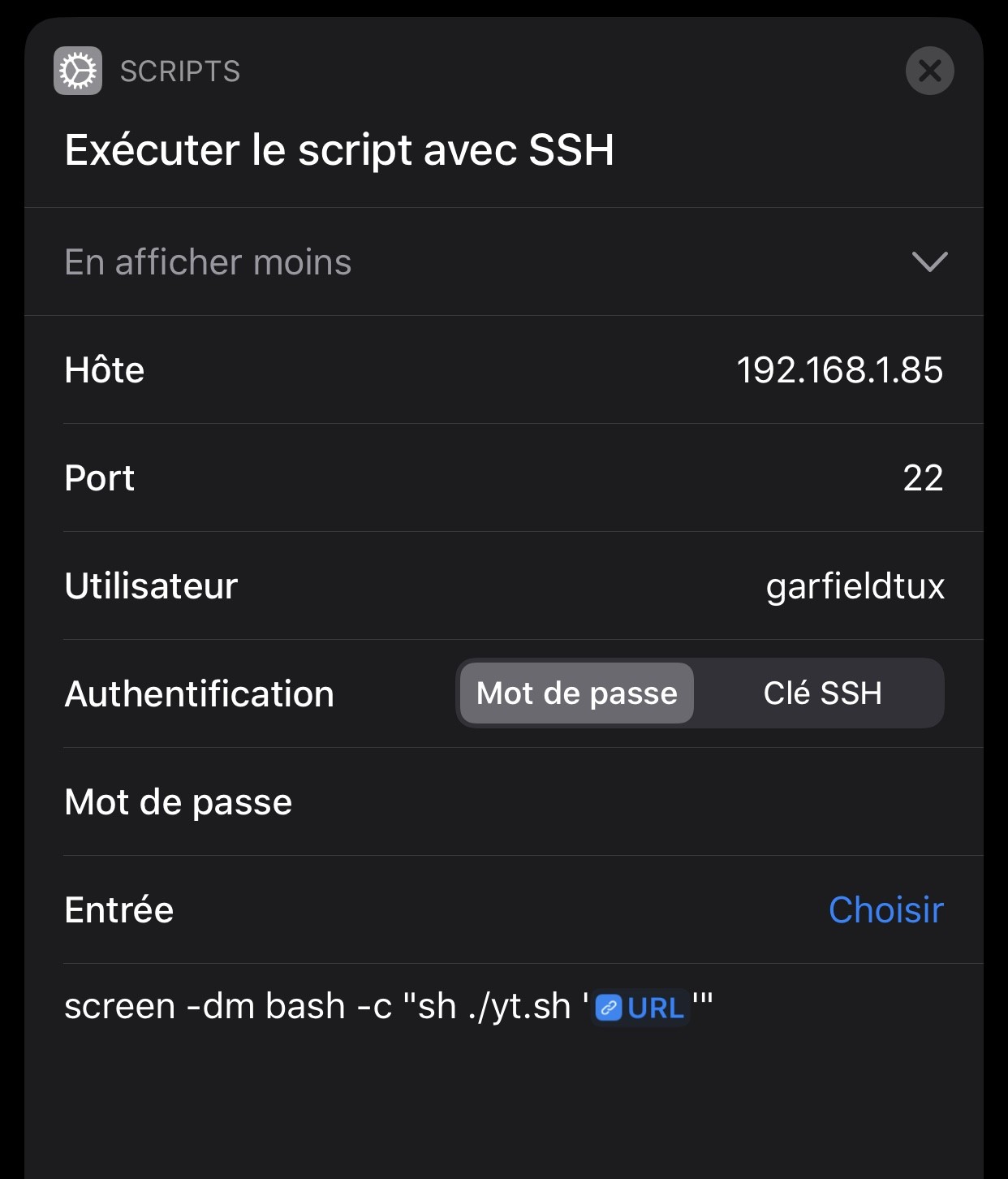
#### Lancement d'une tâche sans attendre la fin du script.
Ajouter un script SSH en tâche de fond :
`screen -dm bash -c "sh ./yt.sh 'URL'"`
[](https://docs.wlan.ovh/uploads/images/gallery/2020-05/image-1588387776850.jpeg)
Script de téléchagement Python :
```shell
youtube-dl -f "bestvideo[ext=mp4]+bestaudio[ext=m4a]/bestvideo+bestaudio" --output "/Volumes/6TO/YoutubeLater/%(title)s.%(ext)s" --continue --ignore-errors --merge-output-format mp4 --add-metadata --write-info-json --write-description --write-thumbnail "$@"
```
`youtube-dl -f "bestvideo[ext=mp4]+bestaudio[ext=m4a]/bestvideo+bestaudio" --output "/Volumes/6TO/YoutubeLater/%(title)s.%(ext)s" --continue --ignore-errors --merge-output-format mp4 --add-metadata --write-info-json --write-description --write-thumbnail "$@"`